GuidesE-commerce
Launching a Shopify store: the method, from theme to first order
Before Shopify: know what you sell, and to whom
The tool does not replace positioning. Before opening an account, we write in one sentence what the store offers that others do not.
Each of our stores has its own:
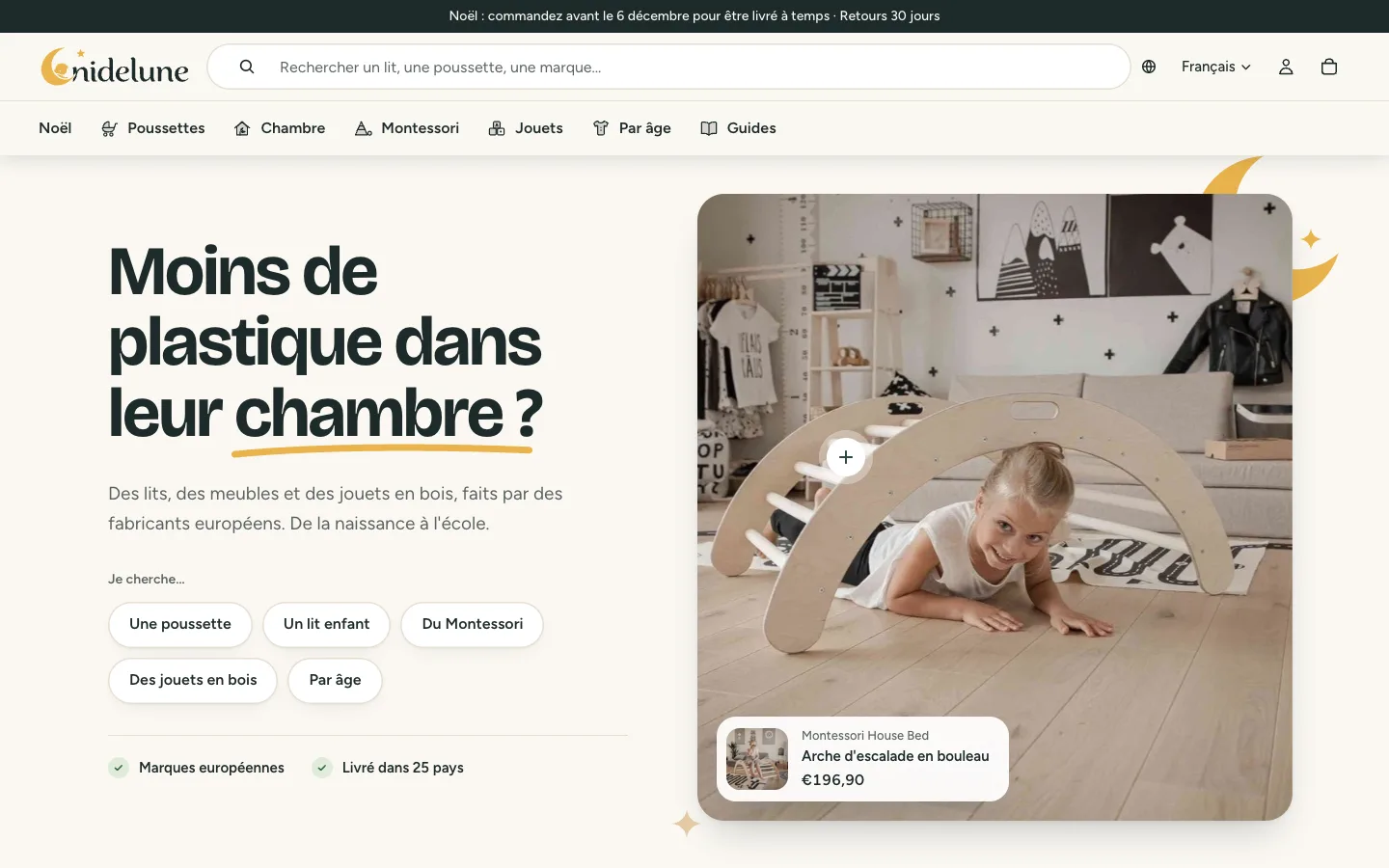
- Nidelune: baby gear from European brands, with aisles guided by age.
- Soporifik: the French brand of the evening ritual, launched without stock and without health claims.
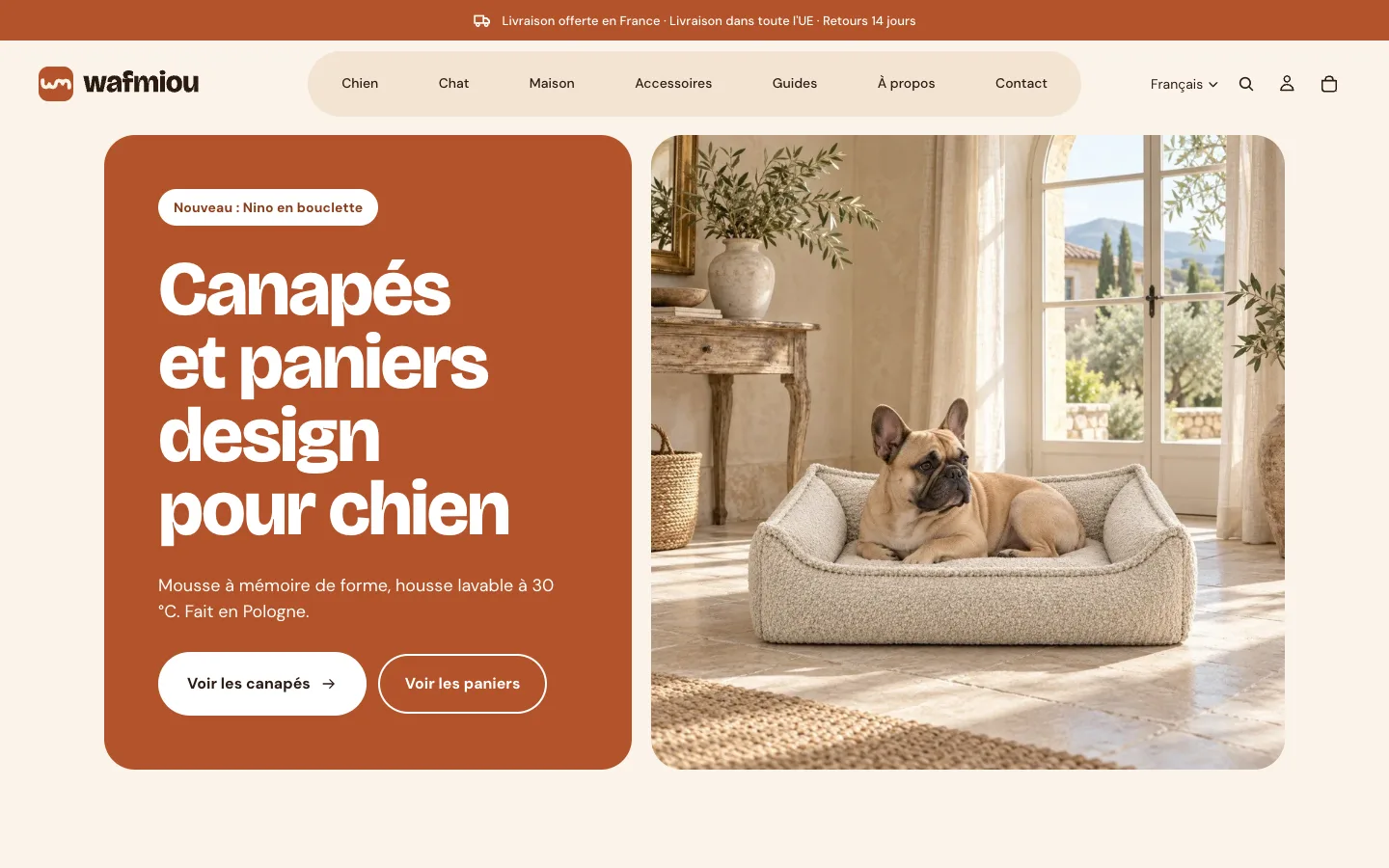
- Wafmiou: designer sofas for dogs and cats, a niche held together from logo to catalogue.
That sentence decides the name, the tone, the photos and the site structure.
- 1The brandWhat the store brings, in one sentence.
- 2The catalogueProduct pages, photos, variants, collections.
- 3The themeLiquid, or headless.
- 4The checkoutPayment, shipping, tax, legal pages, e‑mails.
- 5MeasurementGA4, Search Console, Merchant Center.
The catalogue: the longest part
Launch time is spent in product pages. Each one needs:
- a title that says what it is, in the words customers type;
- a description that answers pre-purchase questions (size, material, care, compatibility);
- sharp photos, on a consistent background, with the product in use;
- clean variants (size, colour), each with its price and stock;
- the data Google needs: brand, barcode when there is one, weight.
Collections are designed like aisles. Nidelune organises its own by universe and by age, with advice and frequently asked questions in each aisle.
The theme: Liquid, or headless
Shopify offers two routes.
The Liquid theme. The store is served by Shopify. You start from a theme, configure its sections, and write what is missing in Liquid. This is the route taken by Nidelune, Soporifik and Wafmiou: quick to launch, simple to run.
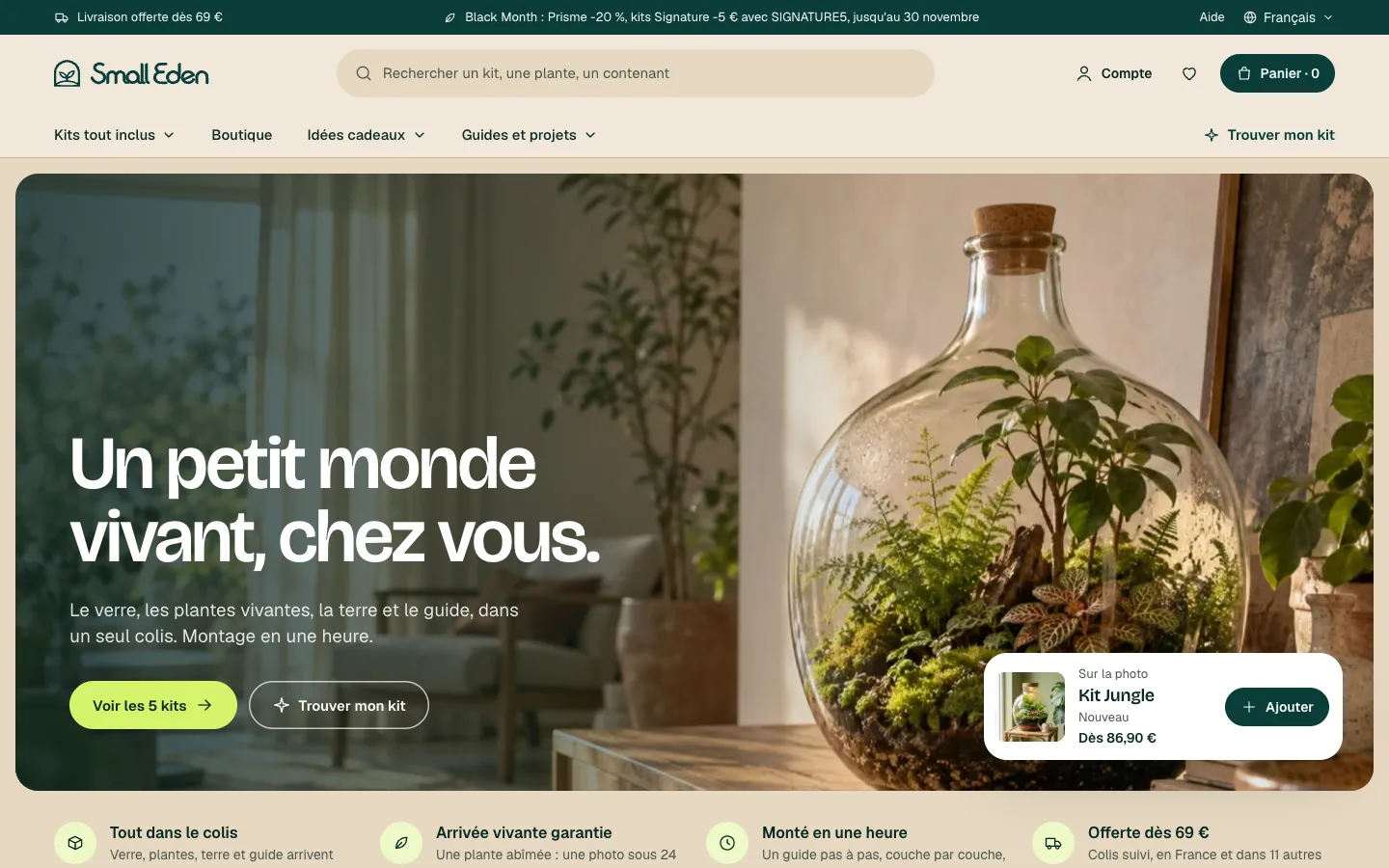
Headless. Shopify keeps the catalogue, the cart and the payment. The storefront is a separate site, connected through the API. This is the route taken by Small Eden, built with Next.js: a media site, guides and an ecosystem configurator around the store.
Headless gives total freedom and requires a technical team. For a first store, the Liquid theme is almost always the right choice.
The checkout
This is where revenue is won or lost. To settle before opening:
- Payment. Card, mobile wallets, and the local methods of the countries you target.
- Shipping. Simple rates, a free-shipping threshold, delivery times stated and kept.
- Taxes. VAT according to the delivery country.
- Legal pages. Terms of sale, returns, privacy, legal notice.
- Emails. Order confirmation, shipping, abandoned cart.
Place a real order, with a real card, and refund yourself. It is the only test that counts.
Apps: few, and chosen
Each app adds weight to the store and a subscription to the bill. We keep few:
- customer reviews (we use Judge.me);
- the link with the supplier when selling without stock (DSers for Soporifik, Hertwill for Wafmiou);
- the Google channel, for the product feed and measurement.
Measure from day one
A store without tracking does not know where its sales come from. Before launch, we connect Google Analytics 4, Search Console and Merchant Center. The full method is in our e-commerce tracking guide.
The launch-day list
- The domain points to the store, over HTTPS, with redirects from the old site if there was one.
- The store password is removed.
- A real order has been placed and refunded.
- The sitemap is submitted to Search Console.
- The product feed is approved by Merchant Center.
- Order emails arrive, with the right sender name.
Frequently asked questions
- Shopify or WooCommerce?
- Shopify when selling online is the core of the business and you do not want to run a server. WooCommerce when the store is added to an existing WordPress site and you accept looking after its maintenance.
- Do you need a custom theme?
- Not to get started. A well-configured existing theme is enough to validate the offer. A custom theme is justified when the brand needs a journey that existing themes do not provide.
- Can you launch without stock?
- Yes, with a supplier that ships for you. You then need to sync their catalogue, state honest delivery times and write clear shipping and return policies.