GuidesAutomation
n8n, Make or custom code: which choice for AI automation
Three ways to automate
Hosted platforms (Make, Zapier). You assemble blocks in an interface. Nothing to install, hundreds of ready-made connectors.
n8n. The same principle, with the option of hosting it yourself and writing code inside the steps.
Custom development. A program written for your need, hosted on your server, tested and versioned like any software.
The selection criteria
| Criterion | Hosted no-code | Self-hosted n8n | Custom |
|---|---|---|---|
| Time to set up | A few hours | A few days | A few weeks |
| Cost at low volume | Low | Low | High at first |
| Cost at high volume | Rises fast | Stable | Stable |
| Sensitive data | Goes through a third party | Stays with you | Stays with you |
| Complex logic | Quickly unreadable | Possible | Natural |
| Tests and versions | Limited | Partial | Complete |
| Who maintains it | The business team | A technical profile | A developer |
When no-code is enough
- Connecting two or three tools with an AI step in the middle.
- Modest volume: a few dozen or a few hundred runs a day.
- Logic that fits on one screen.
- A need to validate quickly, before investing.
Typical example: a form comes in, a model summarises and classifies it, the result goes to the CRM and to a chat tool.
When custom code wins
- The logic outgrows the screenAn eighty-block scenario can no longer be read or tested.
- Volume drives up the platform bill
- The agent needs precise toolsWith fine-grained permissions and a log.
- Errors are expensiveYou need automated tests on real cases.
- The product is meant for customersNot just internal use.
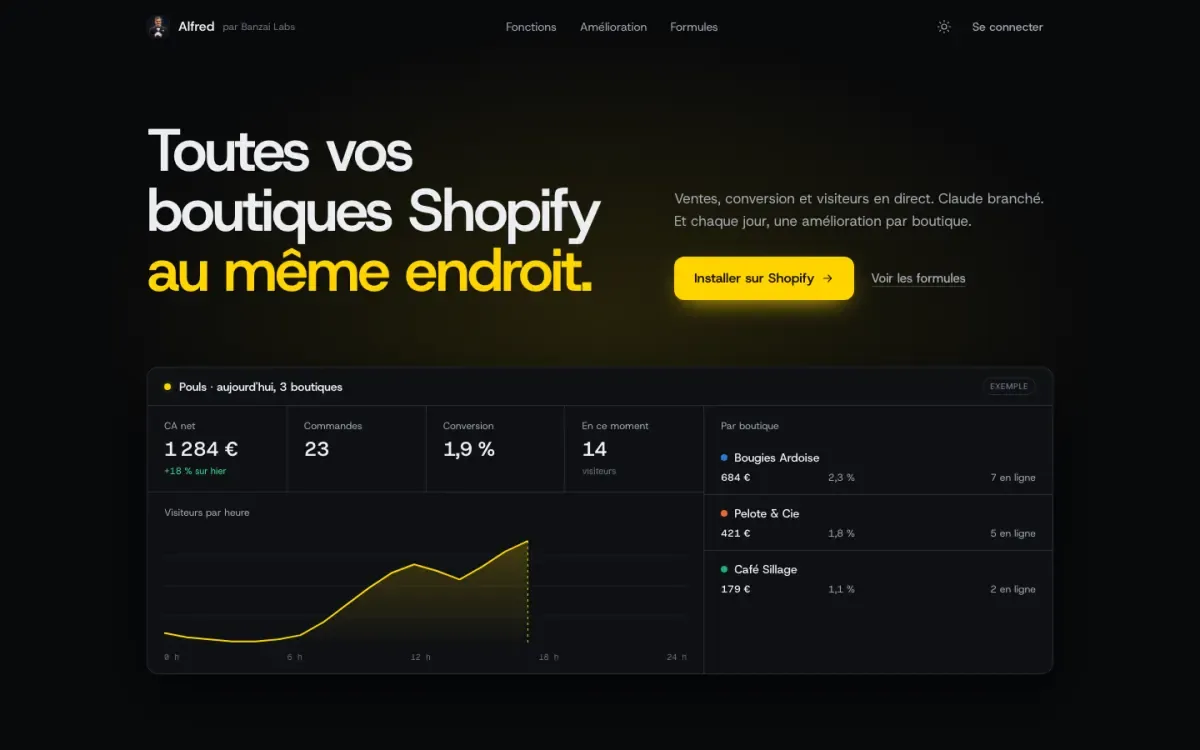
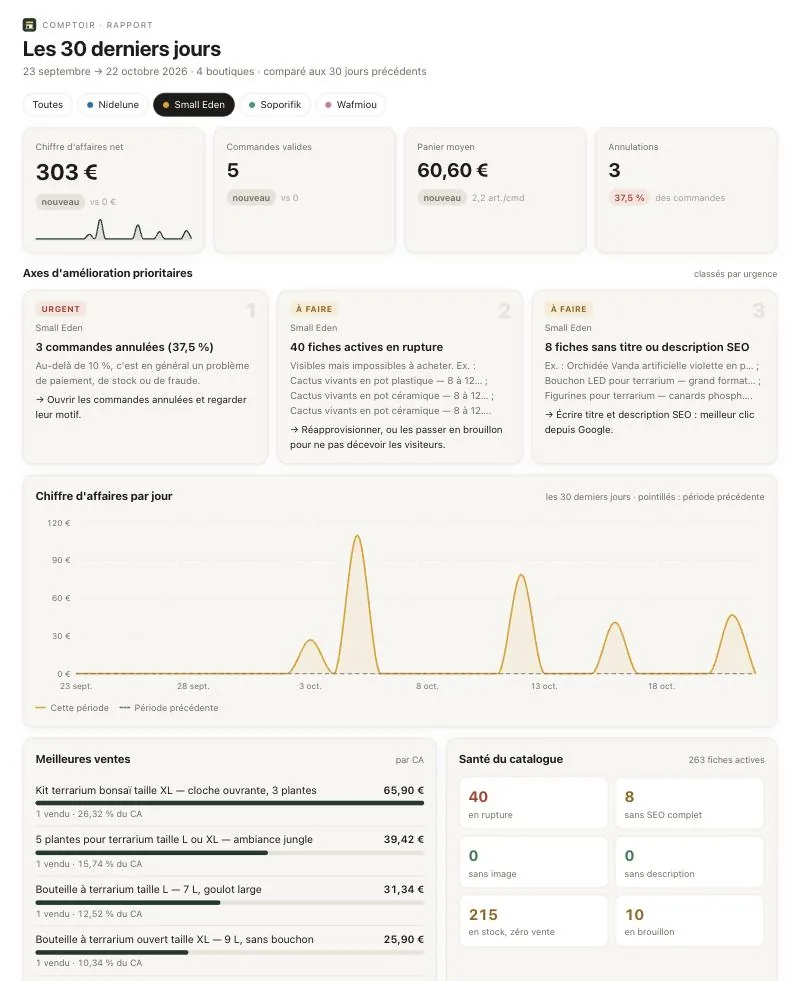
Alfred and Comptoir, our tools for Shopify merchants, are in this category: an agent with a capped budget for one, an MCP server acting on several stores for the other.
The pitfalls of no-code
- Scenarios only one person understands, which stop the day they leave.
- No alert when a connector changes and the scenario fails silently.
- Access keys that are too broad, pasted into a block.
- No test environment: production is edited directly.
These risks can be managed: one owner per scenario, an alert on every failure, minimal access, a test copy.
The pitfalls of custom code
- Building too early, before checking the automation is useful.
- Underestimating maintenance: the APIs of connected tools change.
- Depending on a single developer with no documentation.
Our recommendation
Start with the simplest thing that works. Validate the usage with a no-code scenario. Move to custom code for what runs every day, touches sensitive data or has to last. For scoping, see AI automation.
Frequently asked questions
- n8n or Make?
- Make is fully hosted and very easy to pick up. n8n can be installed on your own server, which matters when data must not leave your premises, and leaves more room for code.
- Can you start with no-code and move to custom later?
- Yes, and it is often the right path. The no-code scenario acts as a prototype: it proves the automation is useful. You then rewrite what costs too much or becomes too fragile.
- Is custom code necessarily more expensive?
- More expensive to build, often cheaper to run at high volume, because you do not pay per execution. The tipping point depends on the number of operations per month.