GuidesWeb app
Building a web app: the steps, the technical choices, the pitfalls
Web app or website: the first question
A brochure website presents a business. A web app provides a service: it has accounts, data and business rules. The difference matters because it changes everything else, from budget to hosting.
Three examples from our own projects:
- Votons helps people find their candidate for the 2027 French presidential election: an affinity quiz, candidate profiles, a comparison tool, an API and mobile apps.
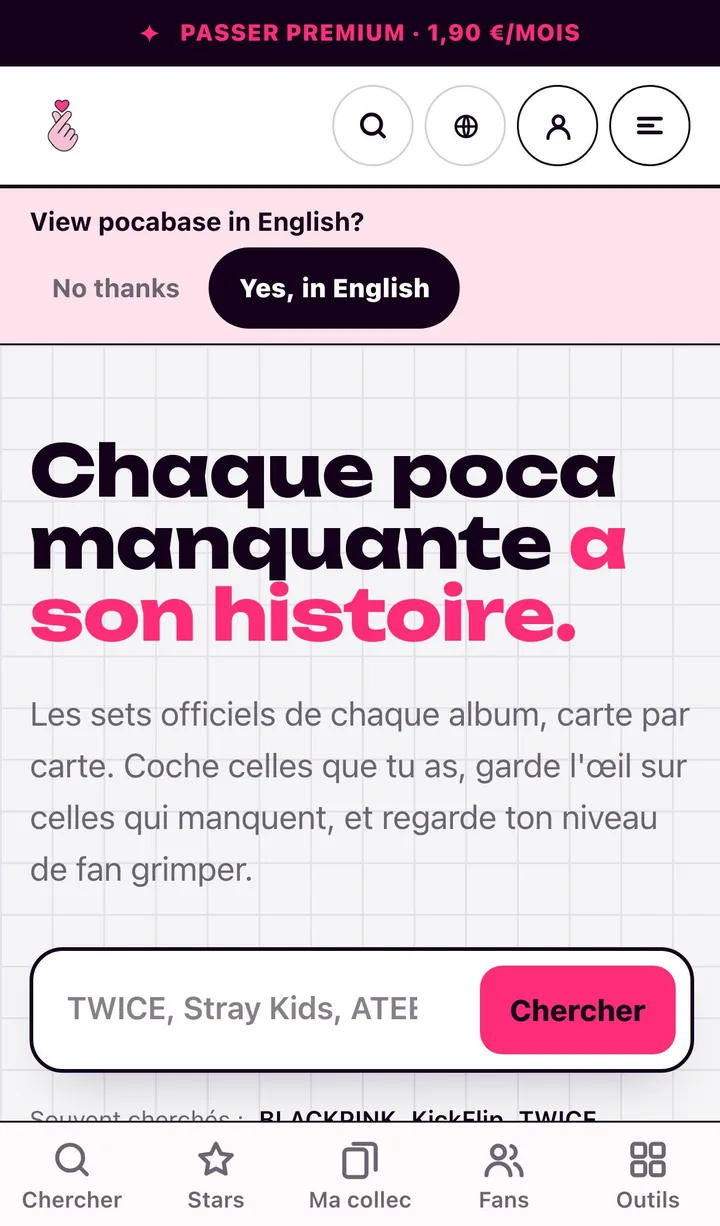
- Pocabase is the database of K-pop photocards: each fan ticks the cards in their collection.
- Say Yes gives a design studio a back office that assembles its landing pages from blocks.
Start with one complete journey
The classic mistake is building ten half-finished features. We do the opposite: one journey, end to end, in production.
For a collection app, that journey is “I create my account, I find a card, I tick it, I find my collection again tomorrow”. Everything else (fan level, premium plan, translations) comes later, once that first journey holds.
Lots of open work, no usable journey.
Everything else comes later, once this journey holds.
Choosing the stack
The right technical choice is boring: widely used, documented tools the team knows.
| Layer | What we use | Why |
|---|---|---|
| Interface and server | Next.js or Remix, React, TypeScript | Server rendering helps search and speed |
| Data | PostgreSQL | Reliable, relational, lasts a very long time |
| Data access | Prisma or Drizzle | A typed schema, versioned migrations |
| Payment | Stripe | Cards, subscriptions, invoices |
| Delivery | Docker, a VPS or a managed platform | The same image from the developer’s laptop to production |
Pocabase runs on Next.js, React, PostgreSQL, Drizzle and Docker. Say Yes on Remix, React, Prisma and Tailwind.
The four topics everyone underestimates
- Accounts. Sign-up, forgotten password, Google sign-in, account deletion. It takes time, and none of it is optional.
- Permissions. Who sees what, who edits what. Written into the data schema from the start, not afterwards.
- Personal data. Collect the minimum, say what you do with it, be able to export and erase it.
- The back office. Someone will have to correct a record or refund a customer. Without an admin screen, that someone is a developer.
Think about search from the start
A public web app also lives off Google. Public pages must be server-rendered and have their own address, a unique title and description, and structured data. Pocabase serves 46 languages from a single codebase, with translated addresses. Our multilingual SEO guide details the method.
Go to production early, then often
The first production deployment happens in the first week, with a nearly empty page. That settles the domain, the certificate, the database, the backups and the deployment while the stakes are low. After that, every delivery goes live, behind restricted access if needed.
Before opening to the public, we check:
- database backups, and a restore that has actually been tested;
- error tracking, and an alert when the site goes down;
- performance on a mid-range phone, on 4G;
- the critical journeys, covered by automated tests.
Hosting is covered in our guide Hosting a site or an app on a VPS.
Frequently asked questions
- What is the difference between a website and a web app?
- A website presents. A web app does something for the signed-in person: it keeps their data, calculates, compares, sells. As soon as there is an account, per-user data or business logic, it is a web app.
- Which stack should you choose for a web app in 2026?
- A proven, well-documented one: a server-side React framework (Next.js or Remix), TypeScript, PostgreSQL and an ORM such as Prisma or Drizzle. The right choice is the one the team already masters.
- Do you also need a mobile app?
- Not necessarily at first. A well-built web app works on a phone. A mobile app is justified by notifications, offline use or store presence, and it can reuse the same API.